







Skip to content
Munavar Sahad — Digital Business Architect
Platforms/Counter POS

Point-of-sale platform · Shopify & ERP ready

Custom Counter POS — Connects to Shopify or Your ERP

A point-of-sale system built around your store, connected live to Shopify, an ERP like NetSuite or Tally, or both at once.

Shopify's standard POS does not fit every business. This is a fully custom POS built for your workflow — with your branding, your payment methods, your staff rules and your tax setup. It talks to Shopify through its official Admin API, so products, stock levels, customers and orders are always up to date, and nothing has to be entered twice. For businesses that keep their real inventory and accounting in an ERP such as NetSuite or Tally, the same counter can read stock and post finished orders there too, so Shopify and the ERP stay in step without a second manual entry.

Interactive demo for a fictional perfume house. All names, products, customers and sales are invented and kept in memory only.

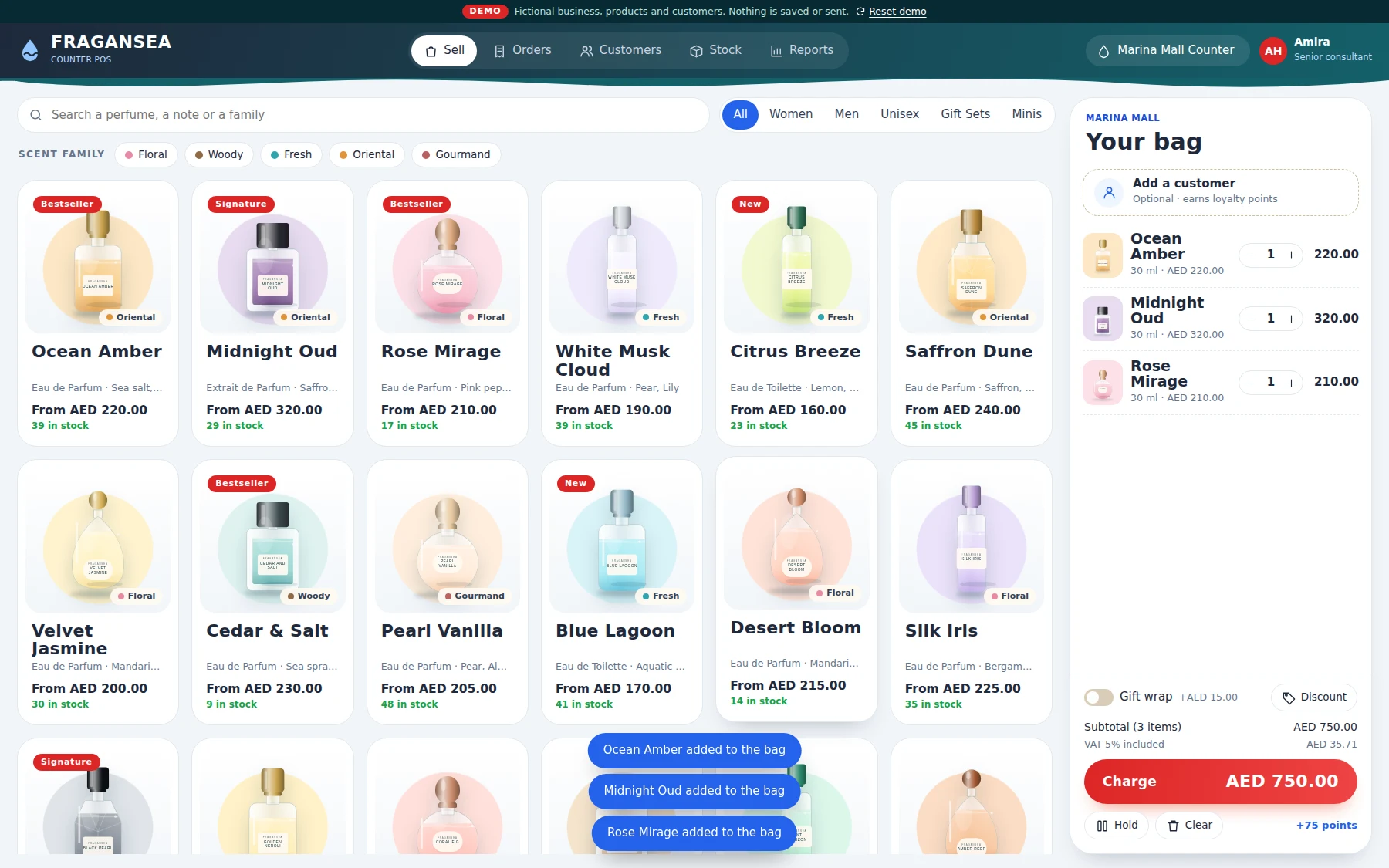
Custom Shopify POS selling screen with product catalogue and customer bag
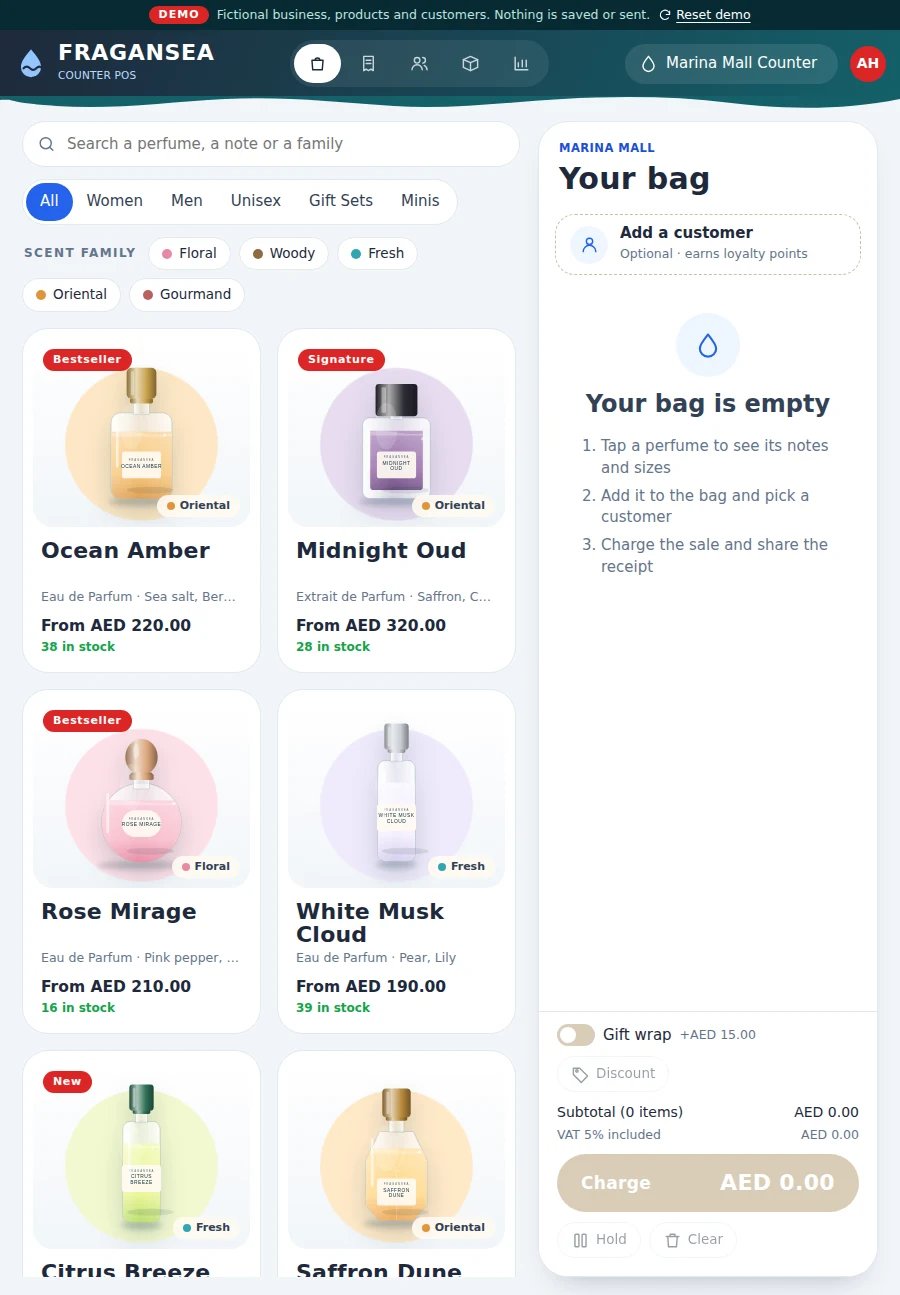
The POS on a tablet held in portrait
AED 186.00
Live demo · sample data
  • Live Shopify sync
  • Optional ERP sync (NetSuite, Tally)
  • Multi-branch stock
  • Bilingual VAT receipts
  • iPad, Android & Windows

Why custom

A POS that fits the store.

Shopify's standard POS does not fit every business.

Built around your workflow — your branding, payment methods, staff rules and tax setup.

Connected through Shopify's official Admin API, so products, stock, customers and orders are always up to date.

For businesses running an ERP (NetSuite, Tally or similar), the same counter can read stock and post finished orders there as well.

Nothing has to be entered twice.

The walkthrough

See it, screen by screen.

Every screen below is a real frame from the interactive demo. Click any screenshot to enlarge it — or skip the reading and use the demo itself.

01 · Open the till

Choose the counter and who is serving.

Staff pick their branch and their name. The live system uses PIN login with staff and manager roles, and every staff member keeps their own saved cart and held sales. The demo skips the PIN so you can walk straight in.

02 · Sell

A live catalogue, built for speed.

Products with photos, variants, search and categories — plus barcode and SKU scanning. Stock is shown for the selected branch, and the bag stays in view while you sell.

03 · Product info

Everything about a product, in one window.

Description, variants and the stock at every location — so a customer's question about another branch gets answered without leaving the counter.

04 · The bag

Bag, customers and discounts.

Attach a customer, hold a sale and resume it later, and apply discounts. Shopify discount codes are pulled in live and enforced with their real rules; manual discounts above a set limit need manager approval.

05 · Checkout

Take payment the way your store does.

Cash with change calculation, card, payment link, bank transfer, or a split across several methods. The order is created directly in Shopify as a paid order. A direct card-terminal connection is available on request, depending on the payment provider.

06 · Receipt

A tax invoice, ready to print or share.

Tax invoice with a VAT breakdown, bilingual (for example English and Arabic), printed on 80 mm thermal paper — or shared with the customer as a PDF through WhatsApp.

07 · Orders

Every sale, and every change, in one place.

Search and filter orders, then mark unfulfilled, cancel, edit, return or refund — all synced to Shopify. Sensitive actions need manager approval, and every action is logged in the Shopify order timeline.

08 · Customers

Customer profiles that build themselves.

Create, search and view customers — profile, order history and total spent. Required details at checkout and duplicate detection keep the list clean.

09 · Stock

Live stock across every branch.

Stock per branch, with a low-stock filter. Every sale reduces stock in Shopify immediately, so the numbers stay true.

10 · Reports

See how the counter is selling.

Revenue, orders, payment mix and bestsellers — by period and by branch — at the end of a shift or the end of the week.

What this includes

Everything in the platform.

Sales & Catalogue

Live product catalogue with photos, variants, search, categories and barcode/SKU scanning. Stock shown per branch, with a product information window and custom items for services like fitting or alterations.

Live Inventory, Multi-Branch

A branch switcher so stock and sales follow the selected branch. Every sale reduces stock in Shopify immediately.

ERP Integration (NetSuite, Tally & similar)

For businesses that keep real inventory and accounting in an ERP, the counter can read live stock from NetSuite or Tally and post each finished sale back as an order or voucher — on top of the Shopify sync, through a secure, documented integration tailored to that ERP's API or import format.

Customers

Create, search and view customers — profile, order history, total spent. Required details at checkout, duplicate detection, and custom profile fields for the business.

Discounts

Shopify discount codes pulled in live and enforced with their real rules (products, minimum spend, eligibility, usage limits, dates, combining), plus manual discounts with manager approval above a set limit.

Checkout & Payments

Cash with change calculation, card (manual entry with reference and time), payment link, bank transfer and split payments. Orders are created directly in Shopify as paid orders. Direct card-terminal connection is available on request.

Receipts

Tax invoice with VAT breakdown, bilingual (for example English and Arabic), 80 mm thermal printing, and receipts shared as a PDF through WhatsApp.

Order Management

Mark unfulfilled, cancel, edit, return and refund — all synced to Shopify. Manager approval for sensitive actions, with every action logged in the Shopify order timeline.

Staff & Security

PIN login with staff and manager roles. Each staff member has their own saved cart and held sales. Optional device approval and IP restrictions.

Any screen

Built for the counter. Fits any screen.

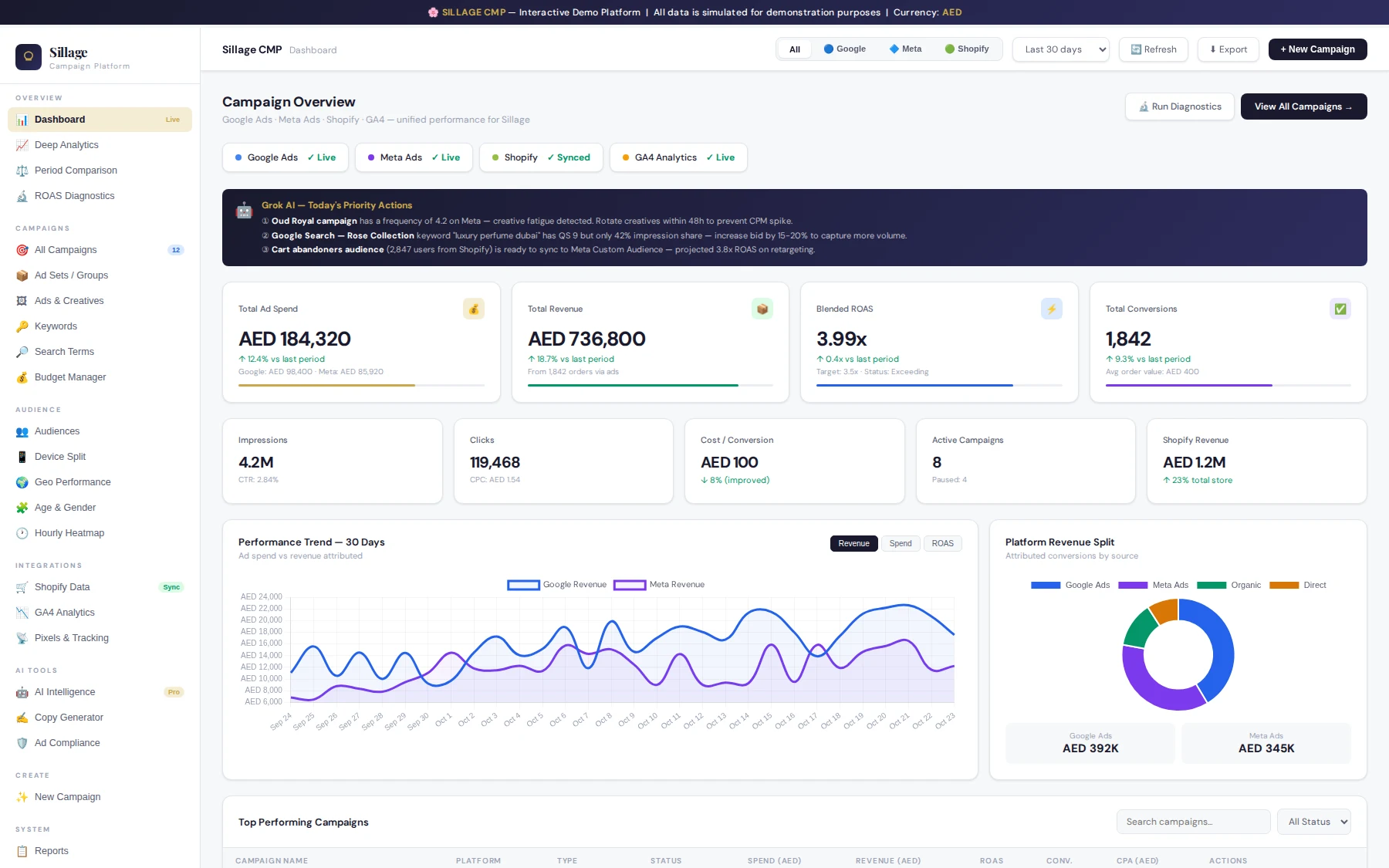
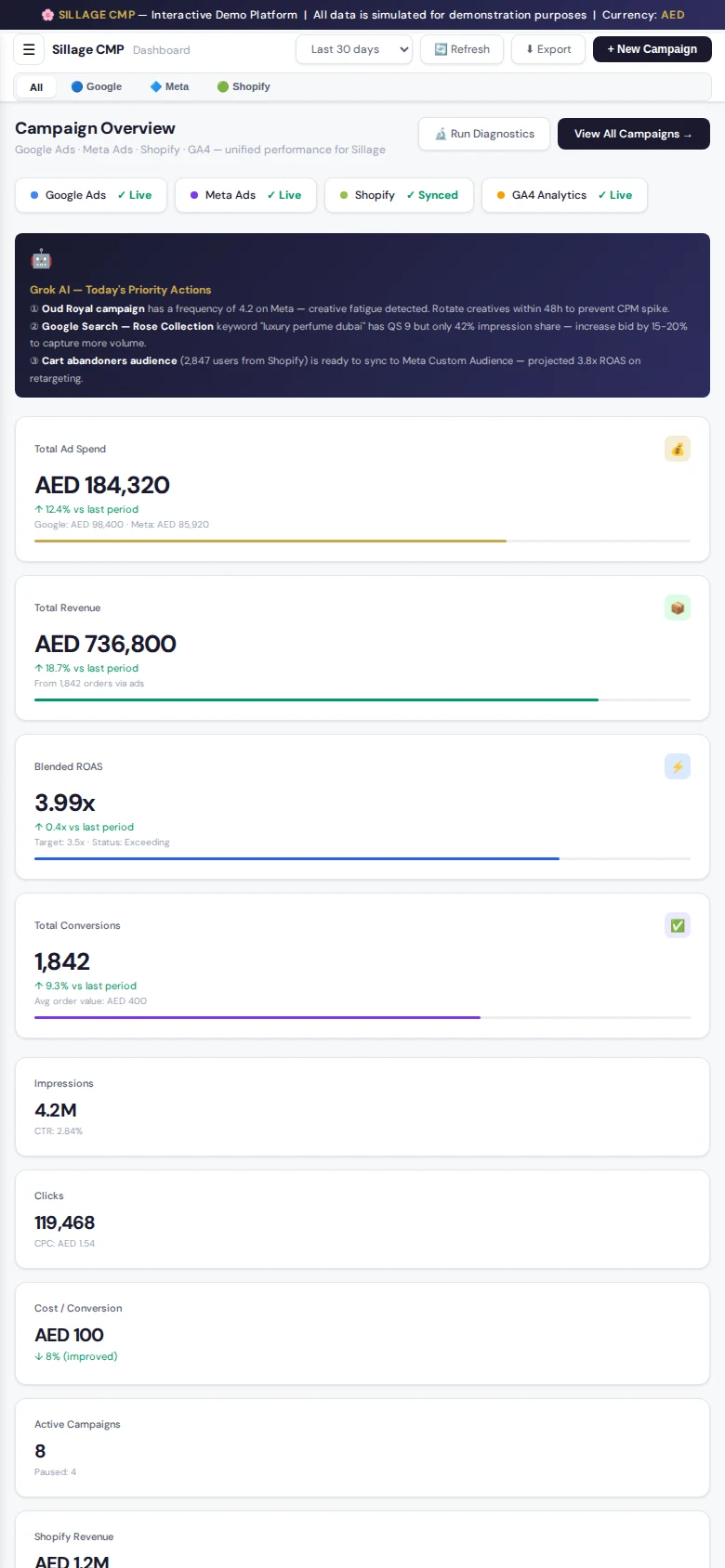
The layout is made for tablet landscape and desktop, and it adapts down to a phone. Open the live demo on your own device to see it fit.

Try it on your device

How it works

From first call to a platform that runs.

01

Discovery

Learning your workflow, branches, payment methods and tax needs.

02

Shopify connection

Setting up a secure private app on your store with only the permissions needed.

03

Build

Custom interface, staff roles, receipts and rules, built around your workflow.

04

Test & train

Testing with real store data, then training your staff before launch.

05

Launch

Going live on your own hosting, with support and updates.

Runs on

Any modern browseriPad & Android tablets (installable, full-screen app mode)Windows desktop app (available)Android app (available)Optional ERP integration: NetSuite, Tally, or a similar system

Layout built for tablet landscape and desktop.

Need it connected to more systems? See API Integration & Automation

Live demo

Don’t just read about it. Use it.

Open the working demo full-screen. It fits any device — desktop, tablet or phone — and runs on sample data only, so click anything.

Custom Shopify POS selling screen with product catalogue and customer bag

FAQ

Does it work with my existing Shopify store?+

Yes. It connects through a secure private app on your Shopify store with only the permissions needed, using Shopify's official Admin API.

Which devices can staff use?+

Any modern browser. It can be installed on iPad and Android tablets in full-screen app mode, and a Windows desktop app and an Android app are available. The layout is built for tablet landscape and desktop.

Can it take card payments through a card terminal?+

Card payments can be recorded manually with a reference and time. A direct card-terminal connection is available on request, depending on the payment provider.

Who owns the system and the data?+

You do. The system runs on your own Node.js hosting, and the data stays in your Shopify store.

Can this connect to our ERP instead of, or alongside, Shopify?+

Yes. Alongside the Shopify sync, the counter can be connected to an ERP such as NetSuite or Tally, so stock is read from the ERP and each finished sale is posted back there automatically — built around whichever API or import method that ERP supports.

“Need a POS that fits your Shopify store — and your ERP — not the other way around? Let's talk through your workflow.”

Powered by Munavar Sahad — Digital Business Architect | eCommerce & Performance Marketing Specialist

Built with — Node.js backend, Shopify Admin GraphQL API, optional ERP integration (NetSuite SuiteTalk/REST, Tally XML, or similar), web front end (iPad, Android & Windows), hosted on your own Node.js hosting.

Ready for a platform like this?

Let’s talk through how your business actually works — and what a platform built around it would do.

More platforms

Explore the catalog.