Skip to content
Munavar Sahad — Digital Business Architect
Platforms/Munz Post

Email marketing platform

Munz Post Email Marketing Platform

A complete, self-hosted email marketing platform — campaigns, a Canva-connected visual designer, automations and reporting, built and run as your own product.

Munz Post is a full email marketing platform: campaigns with A/B testing, a visual drag-and-click email designer that imports and edits designs straight from Canva, eight ready-made templates, contact segmentation with engagement scoring, trigger-based automations, store integrations, a documented REST API, deliverability tools, and reporting that ties every campaign back to opens, clicks and revenue. It runs on its own hosting, sending through the business's own Gmail, Google Workspace, Outlook, Zoho or any SMTP account — so there are no per-email fees, no seat limits and no contact caps.

Interactive demo for a fictional florist, Bloom & Co. All names, contacts and numbers are invented.

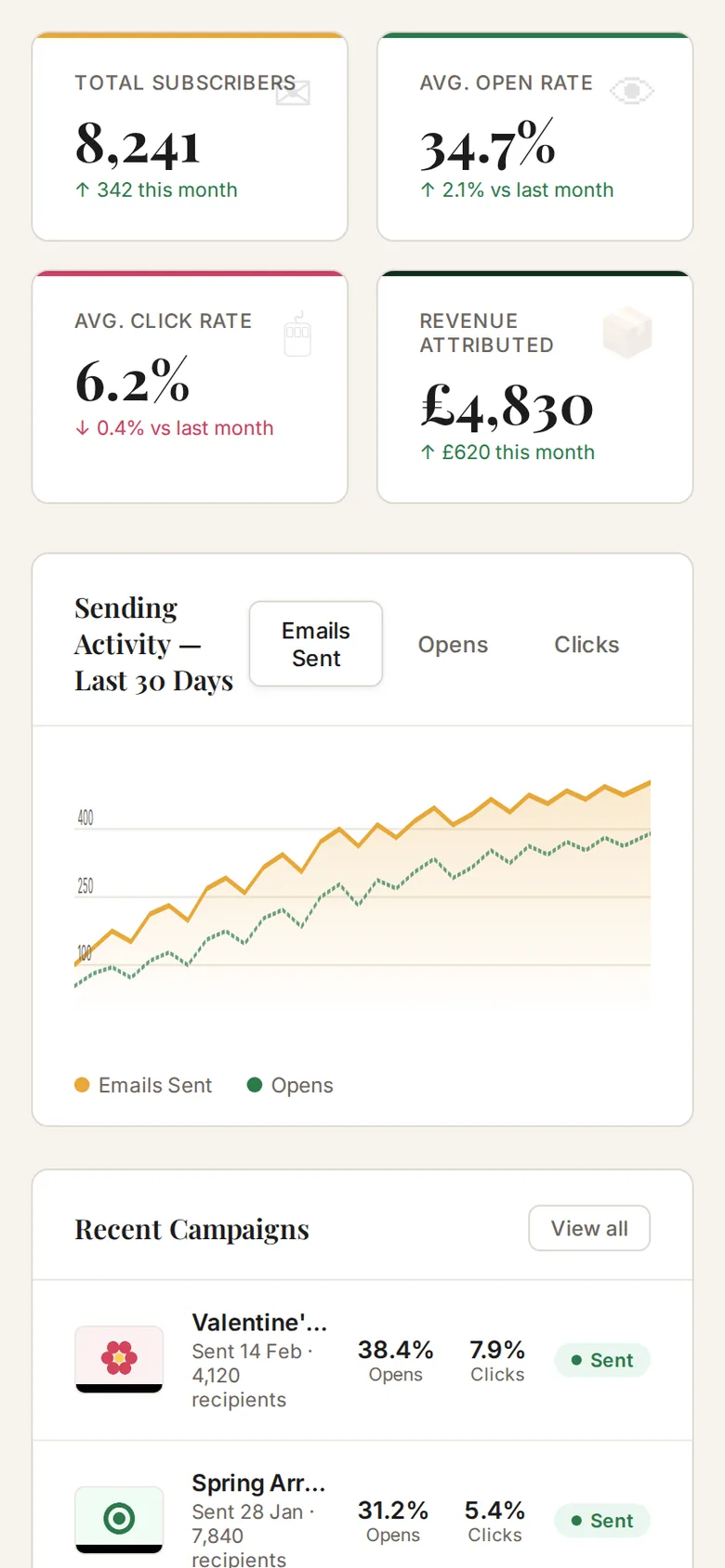
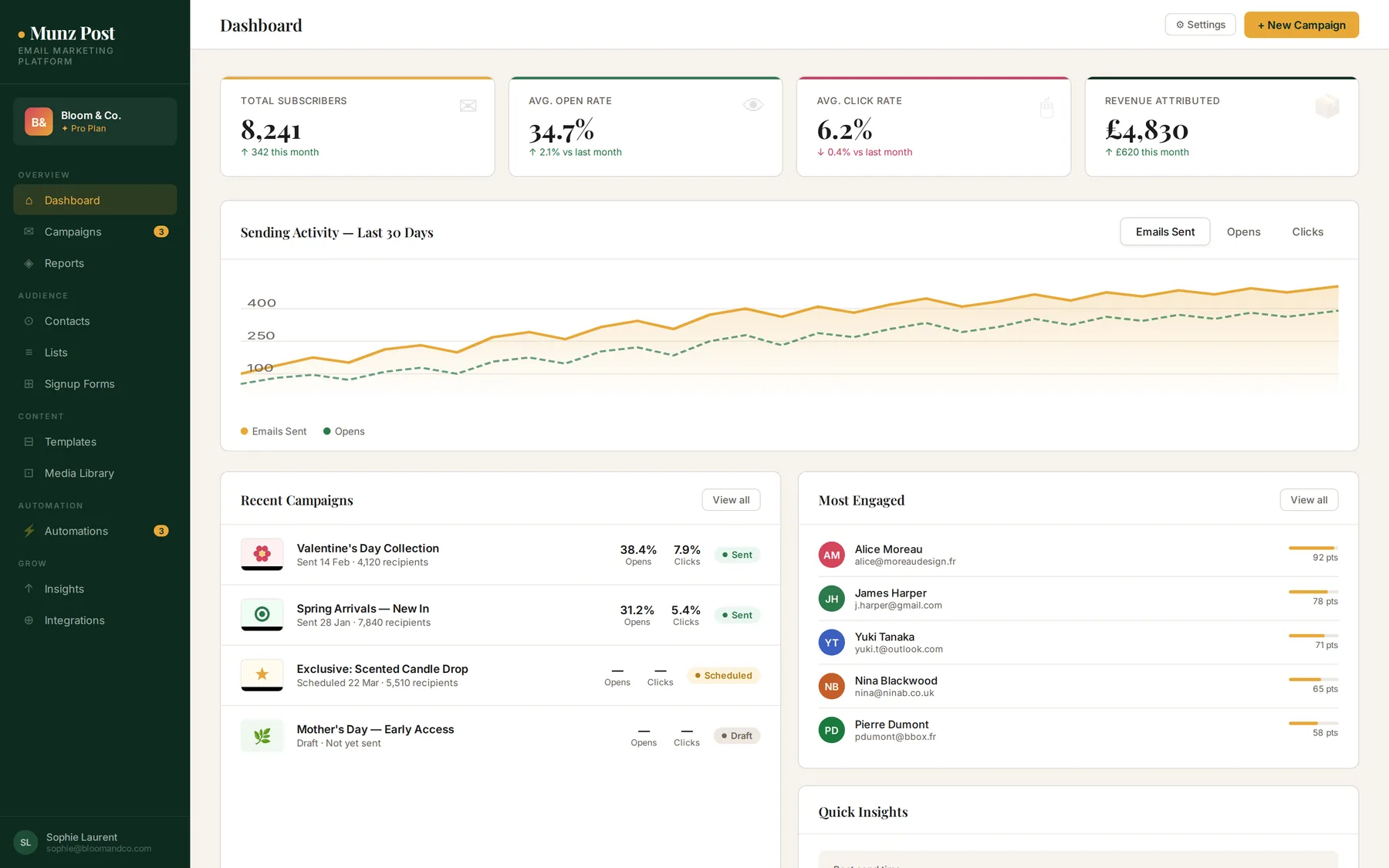
Munz Post dashboard showing subscriber count, open rate, click rate and revenue attributed
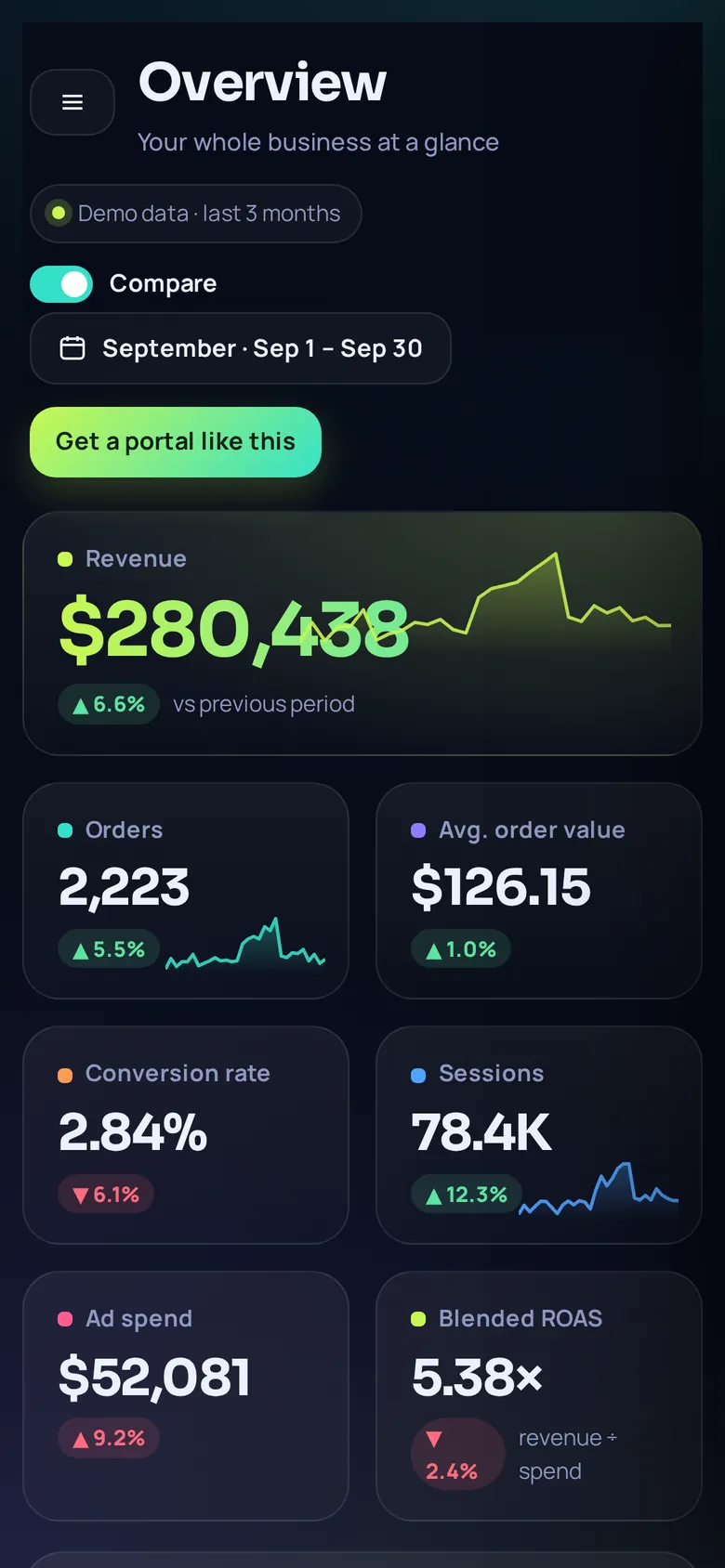
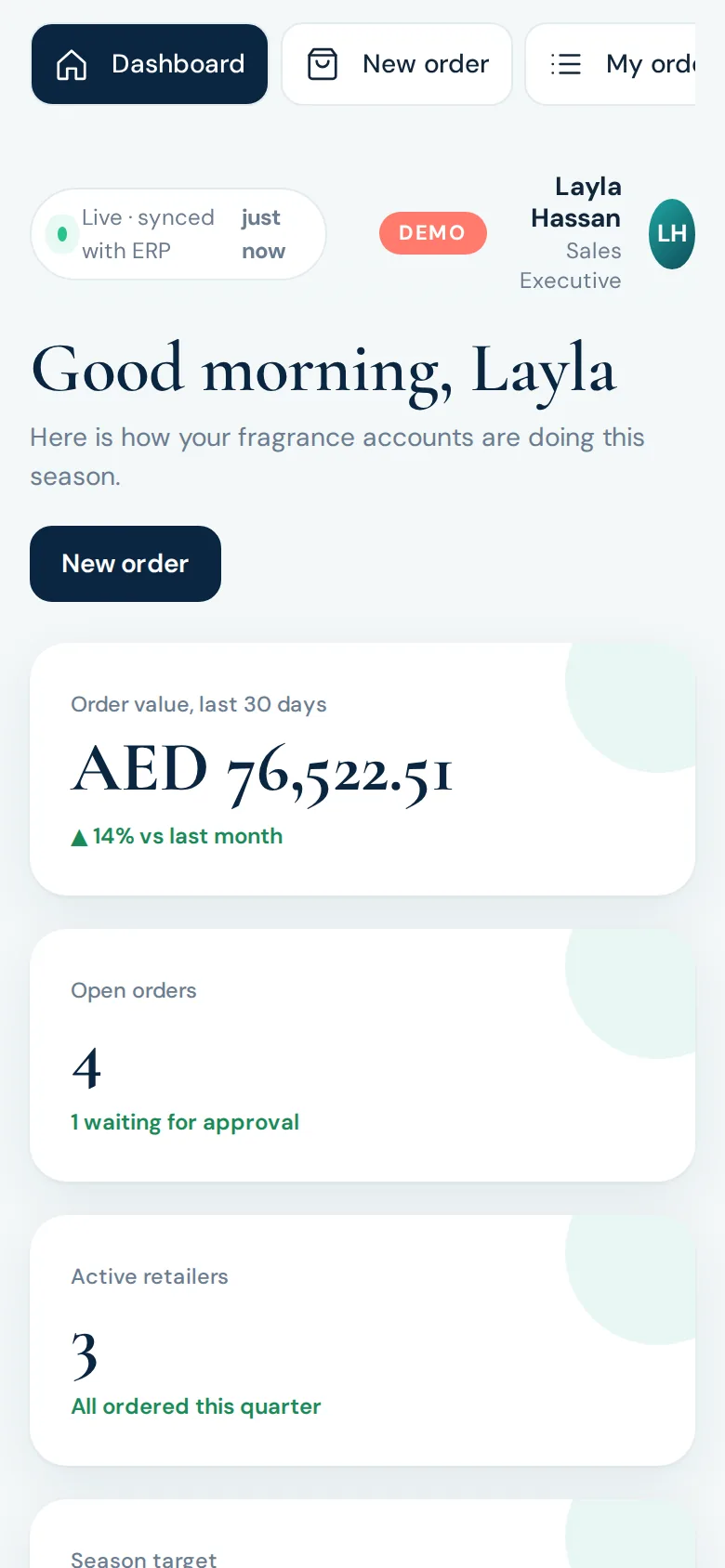
The Munz Post dashboard on a phone screen
Live demo · sample data
  • Canva import, fully editable
  • Built-in A/B subject testing
  • Trigger-based automations
  • Self-hosted, your own data

The problem

What this replaces.

Monthly per-contact fees to a hosted email platform that only go up as the list grows.

Contact data sitting with a third party instead of the business.

Generic templates, or a separate design tool whose work has to be rebuilt by hand into an email.

Reporting that is hard to connect back to actual sales.

The walkthrough

See it, screen by screen.

Every screen below is a real frame from the interactive demo. Click any screenshot to enlarge it — or skip the reading and use the demo itself.

01 · Dashboard

Every number that matters, in one view.

Subscribers, open rate, click rate and revenue attributed, alongside a 30-day sending chart and the most engaged contacts — the last 30 days, aggregated the moment the dashboard opens.

02 · Campaigns

From draft to inbox, with A/B testing built in.

Name the campaign, write a subject and preview text, pick the sending account, choose the audience — all contacts, a list, or a segment such as “engaged in the last 90 days” — then send now or schedule. Turn on A/B subject testing and the report shows which version won.

03 · Templates

Eight starter templates — or import one straight from Canva.

Browse built-in templates and saved ones side by side, or click “Import from Canva” to pull a design in directly. Every template opens in the same visual editor, so a Canva import and a built-in template are edited exactly the same way.

04 · Visual editor

Customize a Canva design like a document — click, type, link.

A Canva import lands in the same click-to-edit canvas as every other template: click any heading or paragraph to type, click a button to set its label, destination link, color and corner radius, click an image to replace it. Every button and image can carry its own link. Blocks — header, text, button, image, columns, divider, spacer, footer — can be added, reordered or deleted, merge tags insert with a click, and up to 80 steps of undo keep editing safe. A desktop/mobile preview toggle and an issues checker catch missing links before you send.

05 · Integrations

Canva, Shopify, WooCommerce and WordPress, connected once.

The Canva connector sits alongside the store and sending integrations: once connected, “Browse designs” opens your Canva account directly from Munz Post. Shopify and WooCommerce sync customers and orders and register webhooks automatically; the WordPress plugin and REST API are generated and managed from the same screen.

06 · Automations

A visual flow for every sequence.

Each automation is a trigger followed by one or more timed email steps, shown as a flow you build by adding steps and setting delays. Three one-click recipes — welcome series, abandoned cart recovery, post-purchase thank you — can be switched on immediately, each showing its own run count and open rate.

07 · Contacts & segments

A contact list that's actually useful.

Import a CSV from anywhere, map its columns, and every contact carries tags, custom fields, an engagement score and a full activity log of opens, clicks and unsubscribes. Segments — Engaged, Inactive, New, Hot — let a campaign go to exactly the right group instead of everyone at once.

08 · Reports

Results tied back to revenue, down to the link.

Open rates and click rates sit next to the revenue a campaign actually generated. Every tracked link is listed with its click count, an open-hour chart shows when the audience reads its email, and the first 300 recipients are listed individually with delivery status.

09 · Insights & deliverability

A spam check and a best-send-time, before you hit send.

Run a spam check across 15 dimensions before sending, with a plain-language fix for every issue found. The Insights page reads 90 days of open data to recommend the best send hour, which the scheduler can apply with one click.

What this includes

Everything in the platform.

Visual Designer, Click to Edit

A drag-and-click canvas — heading, text, button, image, columns, divider, spacer and footer blocks. Click any text to type, click a button to set its label, destination link, color and shape, click an image to replace it. Desktop and mobile preview, merge tags, and up to 80 steps of undo.

Canva Design Import

Browse your own Canva designs from inside Munz Post and import one as an editable email: real text and buttons stay editable, every button and image can carry its own click-through link, and anything Canva can render that email can't is converted to a matching image so the email looks like the original. A side-by-side preview compares the Canva original with the converted email before you save.

Eight Starter Templates

Welcome, Newsletter, Promotional, Announcement, Abandoned Cart, Order Thank You, Minimal and Event Invite — responsive, tested across major email clients, and pre-filled with merge tags. Customize visually and save as your own template, or edit the HTML directly with a snippet toolbar.

A/B Subject Testing

Split any campaign 50/50 between two subject lines. Once sending completes, the report shows open rate, click rate and delivery side by side for each version, with the leading variant identified.

Contact Segmentation & Scoring

CSV import with automatic column mapping, custom fields usable as merge tags, and an engagement score that rises with every open and click — driving segments like Engaged, Inactive, New and Hot, and the dashboard's most-engaged list.

Signup Forms

An embeddable snippet for any website, plus a no-code hosted form page. Optional double opt-in and a silent honeypot field keep the list clean.

Automations

Sequences that trigger on a new subscriber, a completed order, an abandoned cart, or a custom event from your own app. Three one-click recipes — welcome series, abandoned cart recovery, post-purchase thank you — can be switched on immediately and customized from there.

Shopify & WooCommerce

Customer sync, automatic webhook registration for new customers, orders and abandoned checkouts, and a product inserter that pulls live product cards — image, price, buy link — straight into an email.

WordPress Plugin

A ready-to-install plugin, pre-configured with the server address and a private API key: a signup-form shortcode, an opt-in checkbox at WooCommerce checkout and on comment forms, and sync of newly registered users.

Documented REST API

Create or update a contact and fire an automation trigger with an arbitrary JSON payload — payload fields become merge tags automatically. API keys are managed in settings and shown in full only once, at creation.

Deliverability Tools

A 15-point spam check with a plain-language fix for every issue, a live subject line coach, an AI-assisted Subject Lab that generates and scores subject line ideas by tone, and a best-send-time recommendation drawn from real open data.

Self-Hosted, Your Own Data

Contacts, campaign history, open and click events and media files stay on hosting the business controls. Mail-account credentials are encrypted at rest, and nothing is sent to a third-party analytics service.

How it works

From first call to a platform that runs.

01

Connect

Import existing contacts, connect the sending mail account (Gmail, Workspace, Outlook, Zoho or any SMTP), and link the store or Canva account the campaigns will use.

02

Build

Set up the dashboard, import or design templates — including straight from Canva — and configure automations in the business's own brand.

03

Send

Campaigns go out from day one, with A/B testing, deliverability checks and reporting tied back to revenue from the start.

04

Improve

New automations, segments, templates and integrations get added as the list and the business grow.

Connects with

Canva (design import)Gmail & Google Workspace (OAuth)Microsoft 365 / Outlook, Zoho MailAny SMTP — SendGrid, Mailgun, Amazon SES, Brevo, Hostinger EmailShopifyWooCommerceWordPress

Other platforms and SMTP providers can be added on request.

Live demo

Don’t just read about it. Use it.

Open the working demo full-screen. It fits any device — desktop, tablet or phone — and runs on sample data only, so click anything.

Munz Post dashboard showing subscriber count, open rate, click rate and revenue attributed

FAQ

Is this a rented subscription, like other email platforms?+

No — it's built as the business's own software, on its own hosting. There's no per-subscriber monthly fee to a third party, and sending goes through the business's own mail account rather than a shared sending pool.

How does the Canva import actually work?+

Connect a Canva account, pick a design, and choose to import it as an editable email, a PowerPoint file, or an image. For the email option, text and buttons stay editable and can each carry their own link — anything email clients can't render is converted to a matching image, and a side-by-side preview shows the result before saving.

Can it import an existing contact list?+

Yes — a CSV from any source, with column mapping and a consent confirmation as part of the import.

Does it handle deliverability (SPF/DKIM, spam checks, etc.)?+

Yes — sending domain authentication is set up as part of the build, and a built-in spam checker scores every campaign before it sends, with a plain-language fix for each issue found.

Can automations be customized?+

Yes — automation sequences, their triggers and their delays are built around the business's own customer journey, not a fixed template.

Which mail account does it send through?+

Gmail or Google Workspace, Microsoft 365, Zoho Mail, or any SMTP provider such as SendGrid, Mailgun or Amazon SES — set up once during the build, with sending limits configured to match the provider.

Can you add more integrations?+

Yes — additional store platforms, CRMs or custom integrations can be added on request through the documented REST API.

“A full email marketing platform the business actually owns — its contacts, its sending, its brand, its designs.”

Powered by Munavar Sahad — Digital Business Architect | eCommerce & Performance Marketing Specialist

Built with — Node.js application, SQLite or MySQL database, Canva OAuth integration, transactional email via the business's own mail provider, hosted on your own hosting.


Ready for a platform like this?

Let’s talk through how your business actually works — and what a platform built around it would do.

More platforms

Explore the catalog.