

Skip to content
Munavar Sahad — Digital Business Architect
Platforms/B2B OMS

Order management

Custom B2B Order Management System (OMS)

B2B order management, connected to your ERP.

Take orders, control approvals and keep inventory live, with every finished order recorded in your ERP. Built for wholesalers, distributors, manufacturers, trading companies and brands selling to retailers.

Interactive demo for a fictional perfume house. All names, products, retailers and orders are invented and kept in memory only.

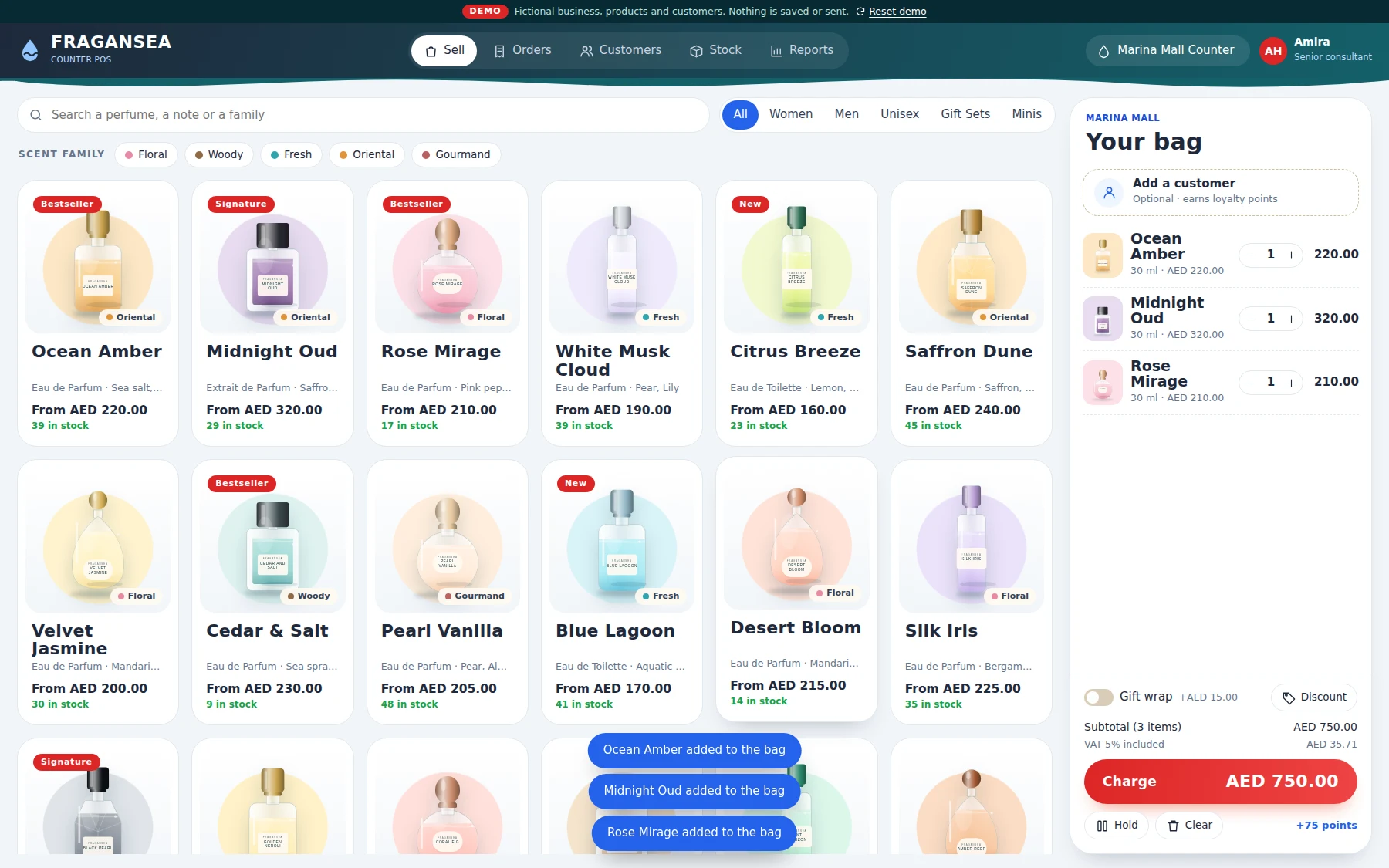
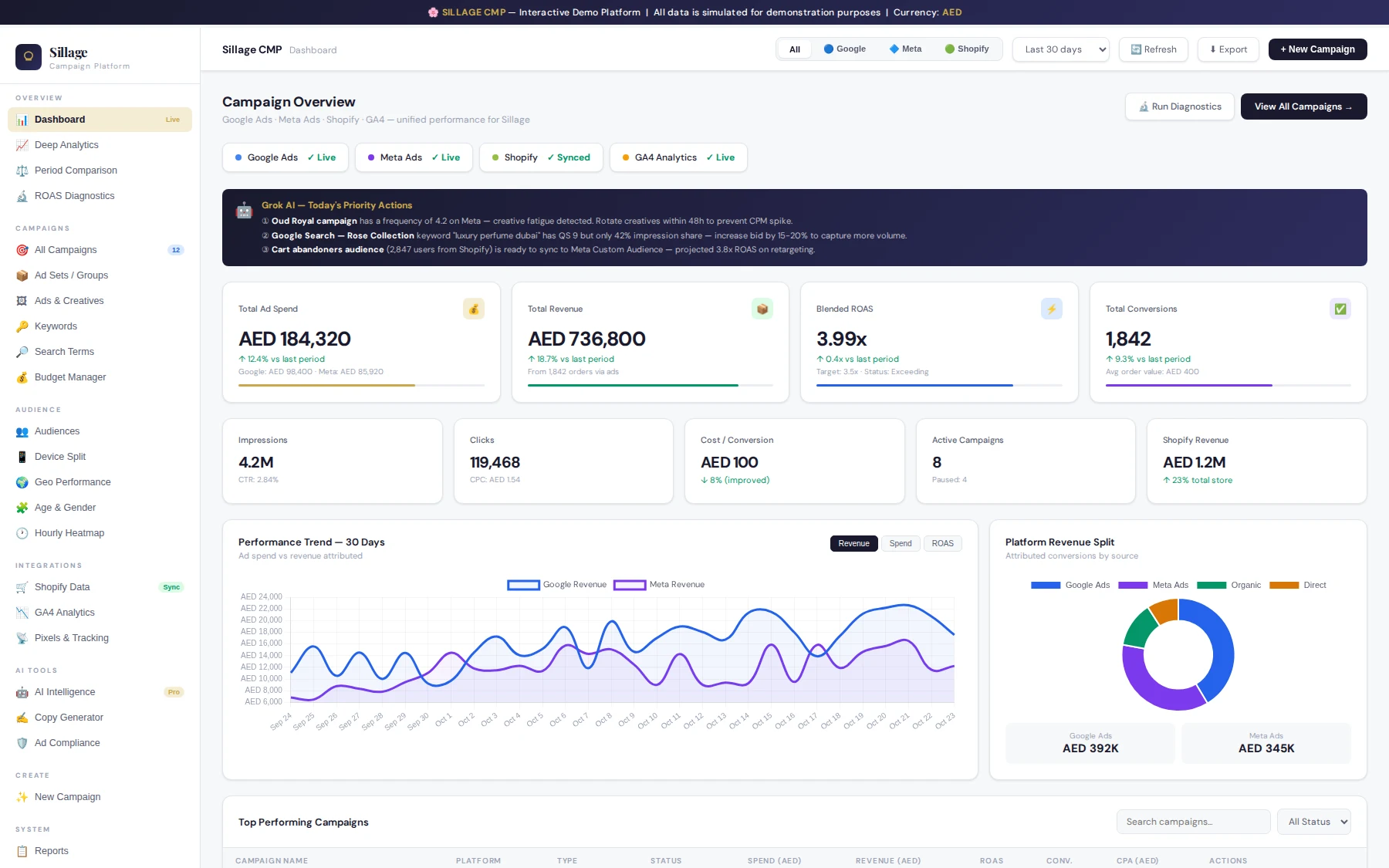
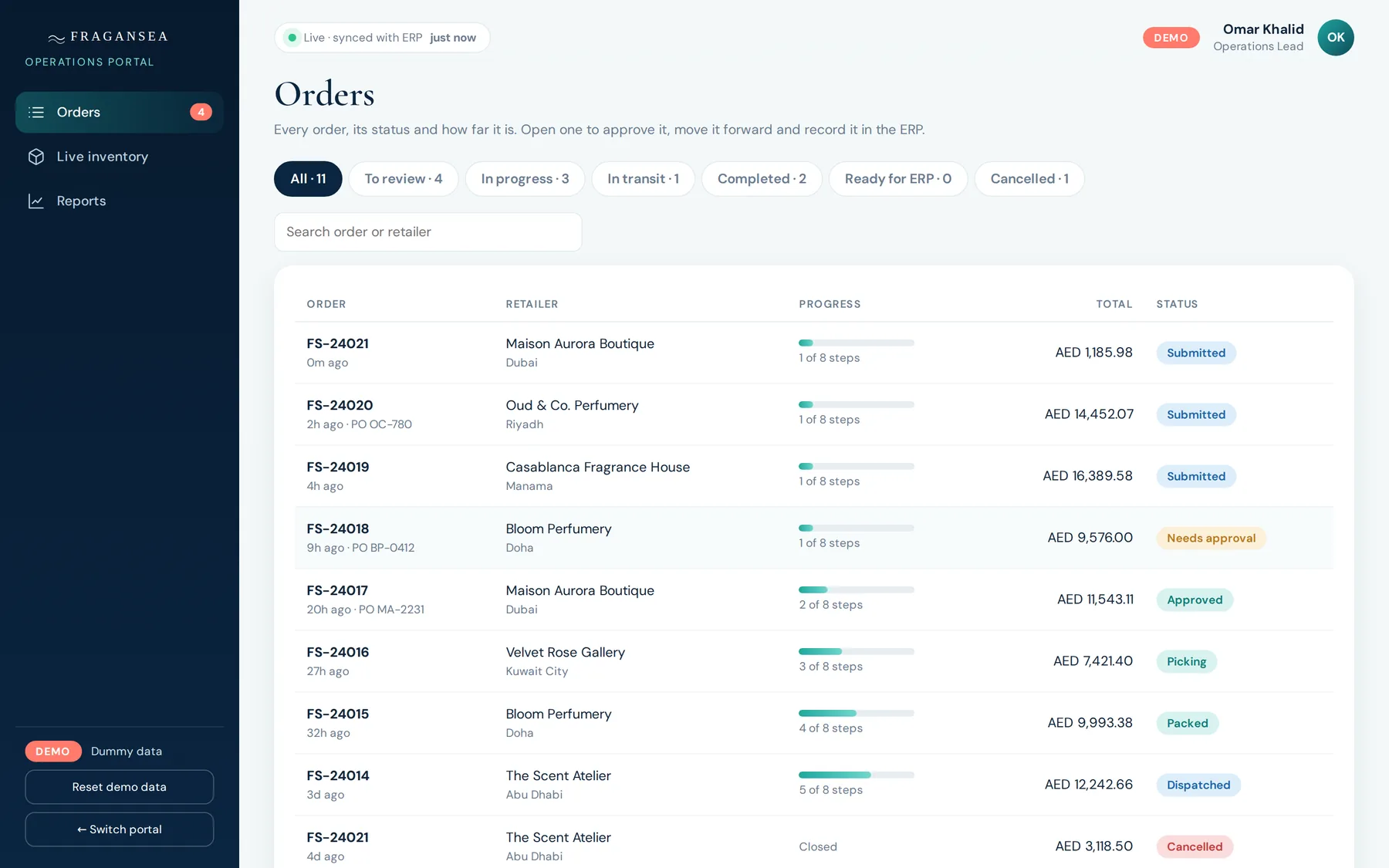
B2B order management system, operations portal showing orders with status and progress
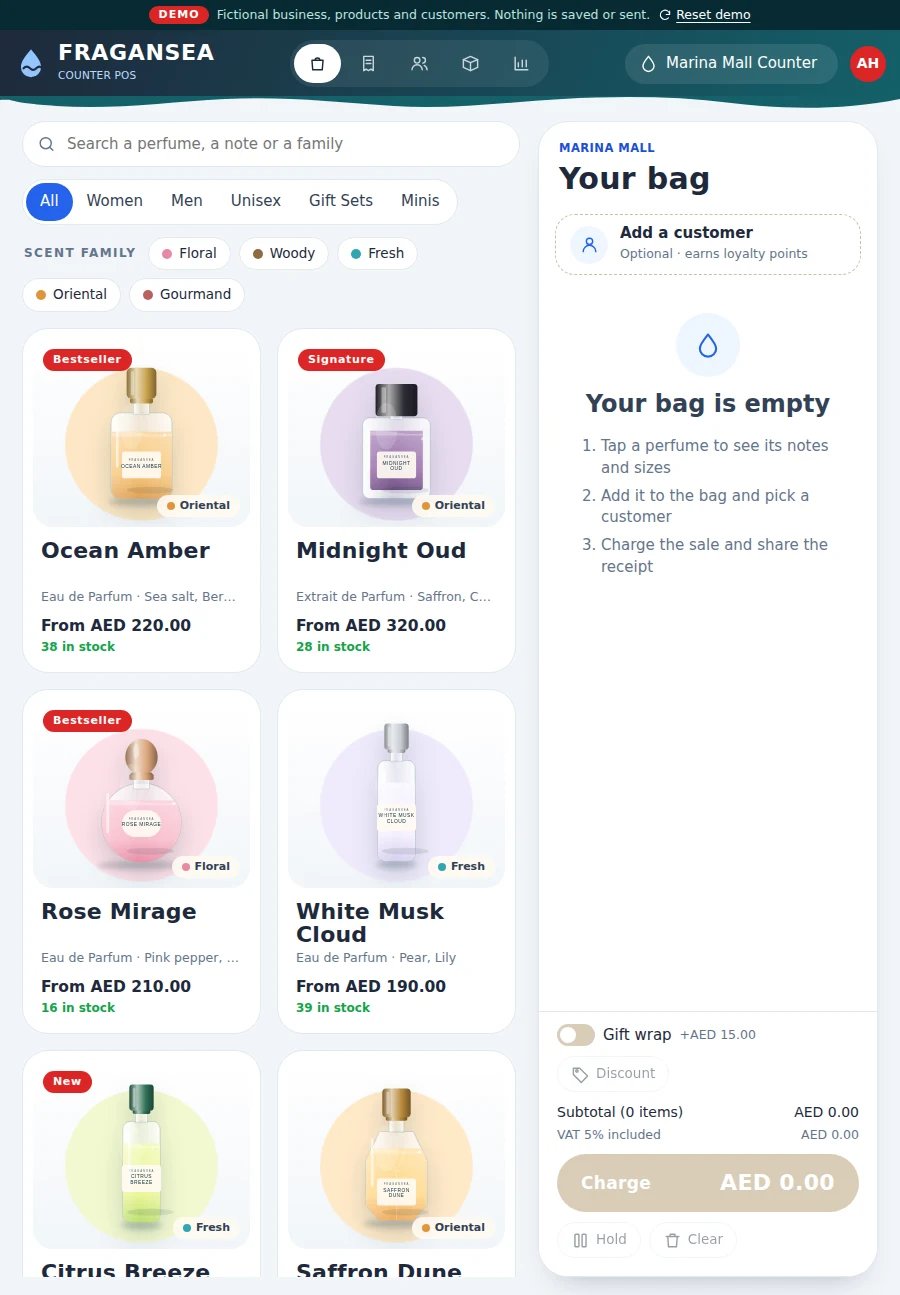
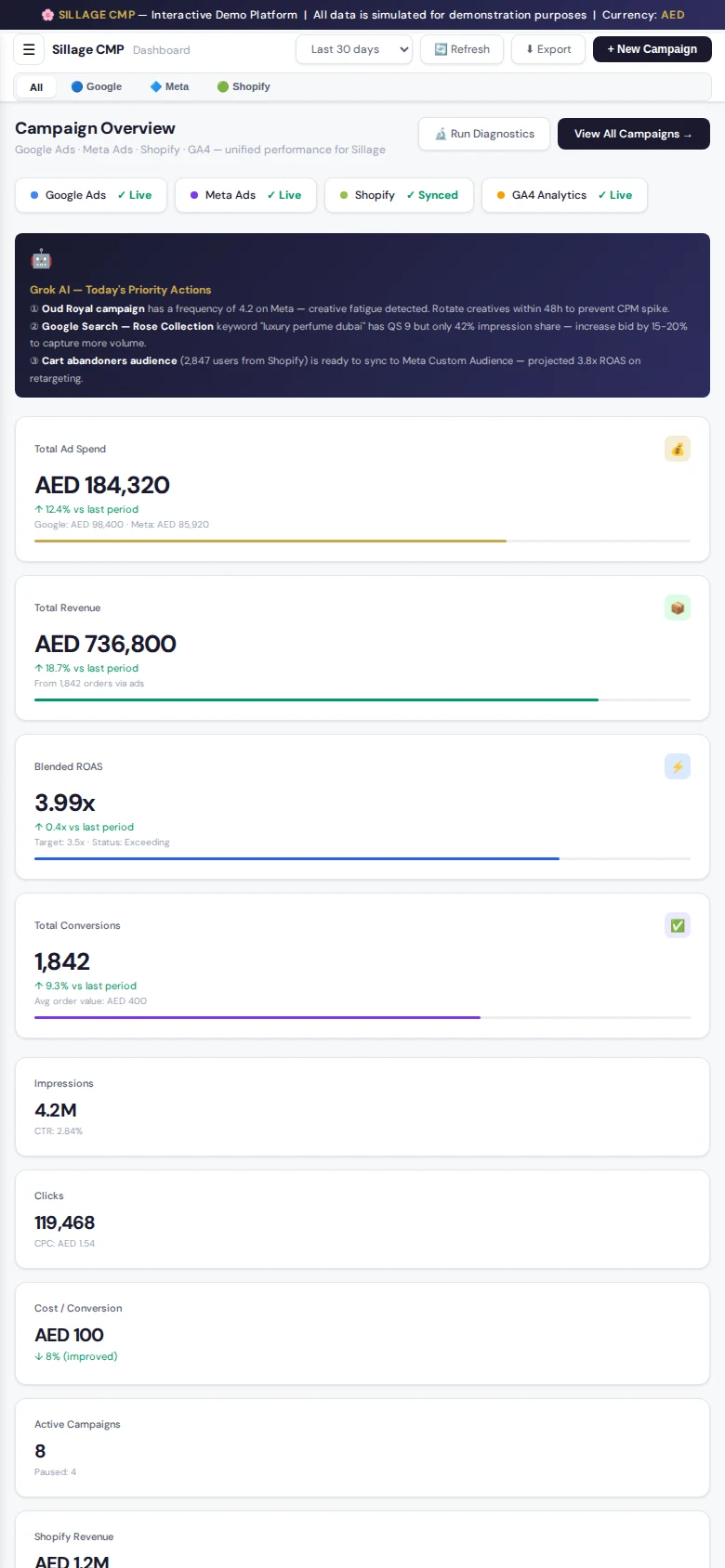
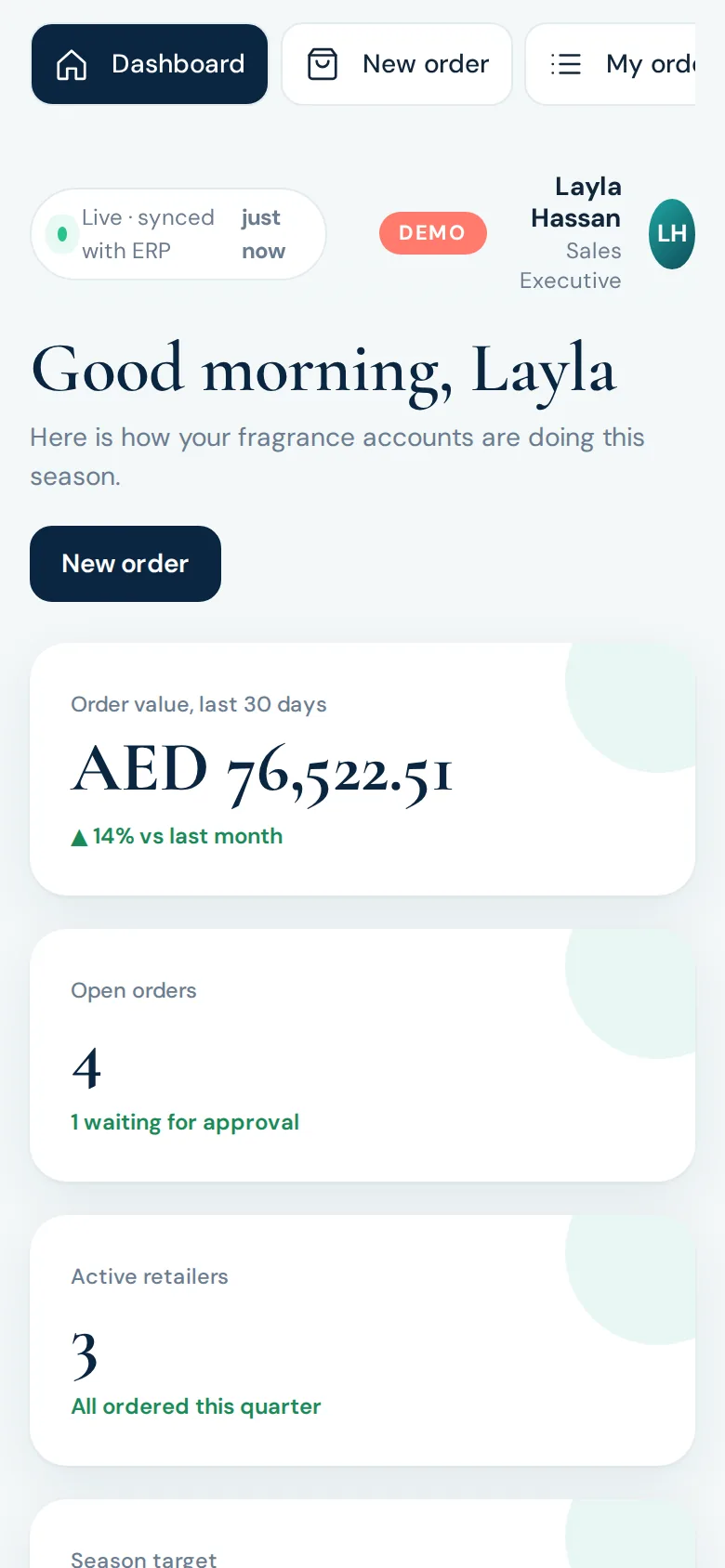
The sales portal on a phone screen
Live demo · sample data
  • Sales, Operations & Admin portals
  • Live inventory per warehouse
  • Documented REST API
  • Role-based access, all actions logged

What it is

An order desk that sits in front of your ERP.

Sales reps take orders for business customers with each customer's own prices and credit limit.

The operations team reviews, approves, picks, packs, dispatches and invoices the orders.

The finished order is recorded in the ERP as the last step.

Stock levels come from the ERP, so reps always see what is available.

The walkthrough

See it, screen by screen.

Every screen below is a real frame from the interactive demo. Click any screenshot to enlarge it — or skip the reading and use the demo itself.

01 · Open the portal

One system, a portal for each role.

Sales and Operations each get their own area, and each person sees only their own. The live system adds an Administrator portal for users, roles and settings. The demo lets you step into either side.

02 · Sales

A rep sees their own accounts, and only theirs.

The sales dashboard brings the rep's open orders, retailers and best sellers into one view. A rep sees only their own customers and orders.

03 · New order

Each customer's own prices and credit.

Prices follow the customer's own price list and volume pricing, and the credit position is checked before an order is submitted. Quotes can be turned into orders.

04 · Tracking

Follow every order from submission to the ERP.

The rep tracks each order's progress and timeline. An order that goes over the customer's credit limit is held for a decision by operations.

05 · Operations

Review, approve, and reserve stock.

Operations reviews each order and approves it, which reserves the stock. Orders can be changed or cancelled with a reason, and credit and discount exceptions are decided here.

06 · Fulfilment

Picking, packing and dispatch, recorded step by step.

Each step is recorded with who did it and when. Stock is reduced when the goods are dispatched, and the order keeps a full timeline and audit trail.

07 · The last step

Recorded in the ERP, and confirmed back.

The finished order goes to the ERP, and the ERP's record number is confirmed back onto the order. The ERP stays the master for accounting.

08 · Inventory

Live stock, per warehouse.

Stock per warehouse is synced from the ERP. It is reserved when an order is approved and reduced when goods are dispatched, so reps always see what is available.

What this includes

Everything in the platform.

Portals for every role

Separate Sales, Operations and Administrator portals. Each person sees only their own area.

Sales

Customer-specific price lists and volume pricing, a credit check before an order is submitted, quotes that turn into orders, and order tracking. A rep sees only their own customers and orders.

Operations

Order review and approval, credit and discount exceptions, stock reservation, change or cancel with reasons, customer emails, picking, packing, dispatch, returns and credit notes, and a full timeline and audit trail for every order.

Live Inventory

Stock per warehouse synced from the ERP. Stock is reserved when an order is approved and reduced when goods are dispatched. The ERP stays the master.

Order Transactions

Every step is recorded with who and when. The finished order goes to the ERP, and the ERP's record number is confirmed back onto the order.

ERP Integration

Through a documented REST API: secure app credentials (OAuth 2.0), per-app permissions, signed webhooks, safe retries, Postman and OpenAPI files, and a test simulator.

Administrator Area

Users and roles, profile photos, customer assignment, settings, email templates, CSV import, an audit log, and a developer area for creating integration apps.

Security

Hashed passwords, account lockout after failed attempts, role-based permissions enforced on the server, and all actions logged.

How it works

From first call to a platform that runs.

01

Discovery

Mapping your order flow, price lists and approval rules.

02

Design

Planning the portals, roles and the integration.

03

Build & test

Building the system and testing it against an ERP simulator.

04

Connect

Connecting to your ERP, sandbox first.

05

Go live & support

Launching on your hosting, with support after go-live.

Integrates with

NetSuite — built and tested through the REST APITally and other ERPs — connectors built to suit your ERP, on request

Integrates with ERPs such as NetSuite, with connectors for Tally and others built per project.

Need it connected to more systems? See API Integration & Automation

Live demo

Don’t just read about it. Use it.

Open the working demo full-screen. It fits any device — desktop, tablet or phone — and runs on sample data only, so click anything.

B2B order management system, operations portal showing orders with status and progress

FAQ

What is an OMS?+

An Order Management System handles the journey of an order: taking it, checking credit and stock, approving it, fulfilling it and recording it in your accounting system.

Does it replace my ERP?+

No. The ERP stays the master for items, prices, stock and accounting. The OMS handles ordering and fulfilment.

Is inventory live?+

Near real-time: as often as your ERP sends stock updates (typically every few minutes). Stock in the OMS changes immediately when orders are approved or dispatched.

Can it connect to Tally?+

A Tally connector can be built as part of the project. It is not a ready-made product.

Who is it for?+

Wholesalers, distributors, manufacturers, trading companies and brands selling to retailers.

“Take orders, control approvals and keep inventory live, with every finished order recorded in your ERP. Talk to me about your order process.”

Powered by Munavar Sahad — Digital Business Architect | eCommerce & Performance Marketing Specialist

Built with — Node.js and MySQL, API-first, running on standard Node.js hosting.

Ready for a platform like this?

Let’s talk through how your business actually works — and what a platform built around it would do.

More platforms

Explore the catalog.